
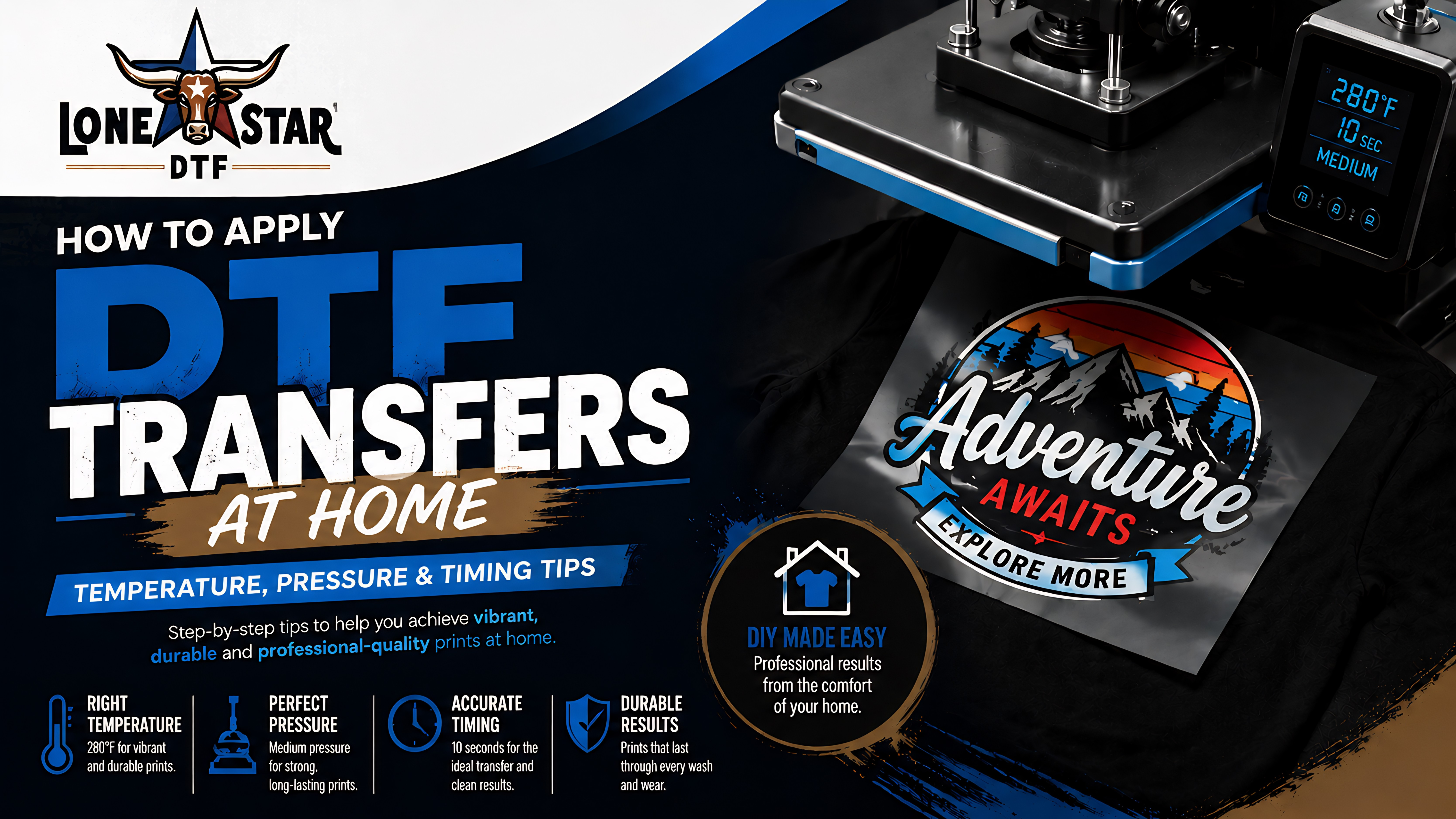

Applying DTF transfers at home is one of the most satisfying parts of custom apparel. Order your transfers from LoneStar DTF, receive them the same day, and have finished custom shirts within the hour. But getting the process right — correct temperature, even pressure, proper timing — is what makes the difference between a print that lasts years and one that peels after one wash.
This guide walks you through every step, from gathering supplies to the final press, with specific settings for different fabrics and a troubleshooting section for common issues.
PREP What You'll Need
Before you start, make sure you have everything on hand. Running out of parchment paper mid-press is frustrating and avoidable.
DTF Transfers
Your printed design on DTF transfer film, ready to press
RequiredGarment
T-shirt, hoodie, hat, bag — any fabric DTF works on
RequiredHeat Press
15×15 or larger recommended. EasyPress works too.
RequiredParchment Paper
Or a Teflon/silicone sheet. Protects the design during final press.
RequiredScissors
To cut individual designs from a gang sheet
RecommendedRuler / Placement Tool
For accurate centering before pressing
OptionalA household iron can work in a pinch, but results will be inconsistent. Irons don't apply even pressure and rarely maintain consistent temperature across the full design. A heat press is strongly recommended for professional, durable results every time.
SETTINGS Heat Press Temperature, Pressure & Time
These are the three variables that determine your results. Get all three right and your DTF prints will be vibrant, wash-fast, and long-lasting.
BY FABRIC Settings by Fabric Type
Different fabrics require slight adjustments. Here's a fabric-specific reference:
| Fabric Type | Temperature | Pressure | Time | Notes |
|---|---|---|---|---|
| 100% Cotton | 310–330°F | Medium-Heavy | 12–15 sec | Most forgiving fabric for DTF |
| 100% Polyester | 280–310°F | Medium | 10–13 sec | Lower temp prevents scorching |
| Cotton/Poly Blend | 295–320°F | Medium-Heavy | 10–15 sec | Most common garment type |
| Tri-Blend (Cotton/Poly/Rayon) | 280–300°F | Medium | 10–12 sec | Very sensitive to heat — test first |
| Nylon / Performance Fabric | 280–295°F | Light-Medium | 10–12 sec | Always test on scrap first |
| Hoodie / Fleece | 310–330°F | Heavy | 13–15 sec | Thicker material needs more heat/pressure |
GUIDE Step-by-Step Application Process
Preheat & Prep Your Garment
Before placing your transfer, lay your garment flat on the heat press platen. Close the press for 3–5 seconds with no transfer — this removes any moisture, smooths out wrinkles, and pre-warms the fabric surface for better adhesion.
Cut & Position Your Transfer
If you're working from a gang sheet, cut out each individual design leaving a small border. Place the transfer face-down (ink side against the fabric) exactly where you want it. Use a ruler or T-square to center it accurately.
Take your time here — once the heat press closes, the transfer cannot be repositioned.
Cover with Parchment & Press
Place a sheet of parchment paper or a Teflon sheet over the transfer. This protects your heat press platen from any residue and ensures even heat distribution across the design.
Close the press and apply medium-to-heavy pressure at 280–330°F for 10–15 seconds. Do not open the press during this time.
Peel the Film
Open the press and remove the parchment sheet. Now peel the transfer film — but how you peel depends on your film type:
Hot Peel: Peel immediately while the film is still warm. Peel slowly and evenly from one corner, pulling at a low angle parallel to the fabric surface.
Cold Peel: Wait 60–120 seconds until the film is fully cooled to room temperature, then peel. Rushing this step will distort fine details.
Final Press for Maximum Durability
This step is often skipped — don't. After peeling, place a sheet of parchment or Teflon directly over the bare design and press again for 5–8 seconds at the same temperature.
This final press seals the edges, embeds any lifted micro-fibers, and significantly improves wash durability. Your print will last noticeably longer with this step included.
FIXES Troubleshooting Common Problems
Even with correct settings, issues can arise. Here's how to diagnose and fix the most common DTF application problems:
CARE How to Care for DTF Printed Garments
Proper garment care after pressing extends the life of your DTF prints significantly. Share these instructions with anyone you make custom apparel for:
Do This
Wash inside-out in cold water. Tumble dry on low heat or air dry. Turn garment inside-out before folding and storing.
Avoid This
No bleach or fabric softener on the print area. No hot wash cycles. Do not iron directly on the design. No dry cleaning.
First Wash
Wait at least 24 hours after pressing before the first wash. This allows the adhesive to fully cure and maximizes initial bond strength.
Don't Stack While Warm
Allow garments to cool fully before stacking or bagging. Warm prints pressed against other surfaces can temporarily stick or transfer residue.
FAQ Frequently Asked Questions
The recommended temperature for DTF transfers is 280–330°F (138–166°C). Use the lower end for delicate fabrics like tri-blends and nylon, and the higher end for standard cotton and polyester blends.
Press DTF transfers for 10–15 seconds for the initial application, then do a final press of 5–8 seconds with parchment over the bare design. Total pressing time is typically 15–23 seconds across both presses.
A household iron can work in a pinch but results will vary. Irons do not apply even pressure and rarely reach consistent temperatures across the full design area. A heat press is strongly recommended for professional, durable, and repeatable results.
Wash DTF printed garments inside-out in cold water. Avoid bleach and fabric softeners. Tumble dry on low or air dry. Do not iron directly on the design. Wait 24 hours after pressing before the first wash for maximum durability.
Common causes include insufficient temperature, too little pressure, moisture in the fabric, or peeling before the transfer is ready. Pre-press the garment for 3–5 seconds to remove moisture, ensure your heat press is fully preheated, and use medium-to-heavy pressure for the full 10–15 seconds.
Ready to Start Pressing?
Order your custom DTF transfers from LoneStar DTF — same-day shipping, no minimums, print-ready and labeled with peel instructions.